 GUIDE
Getting Started with ChapelAdmin
A step-by-step introduction to setting up your church workspace and building useful routines.
Read the guide →
Practical guides, templates, training and ideas to help your church work with greater clarity and confidence.
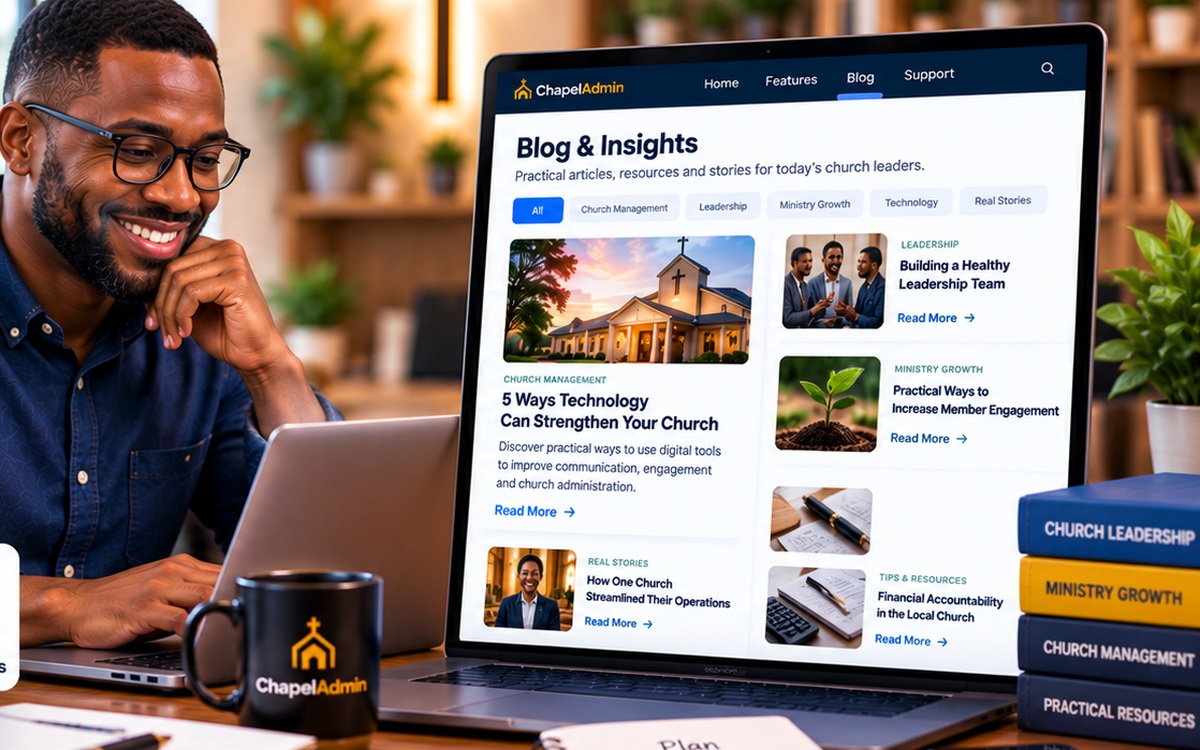
Choose a resource to help you and your team take the next step.
GUIDE
A step-by-step introduction to setting up your church workspace and building useful routines.
Read the guide →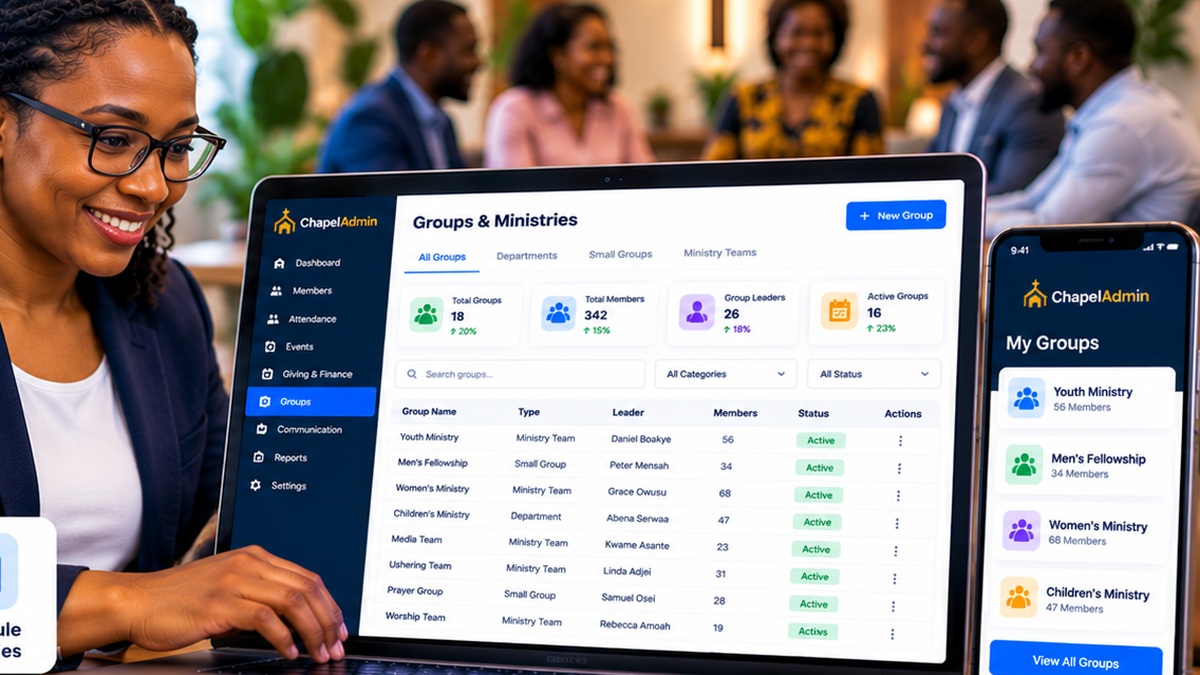 MEMBERSHIP
Keep member records, family details and ministry groups organised in one place.
Explore member management → LEADERSHIP
Practical ways to support leadership, communication and ministry coordination.
Explore the ideas → TEMPLATES
Browse and download editable templates for finance, membership, attendance, fundraising and church administration.
Browse all templates →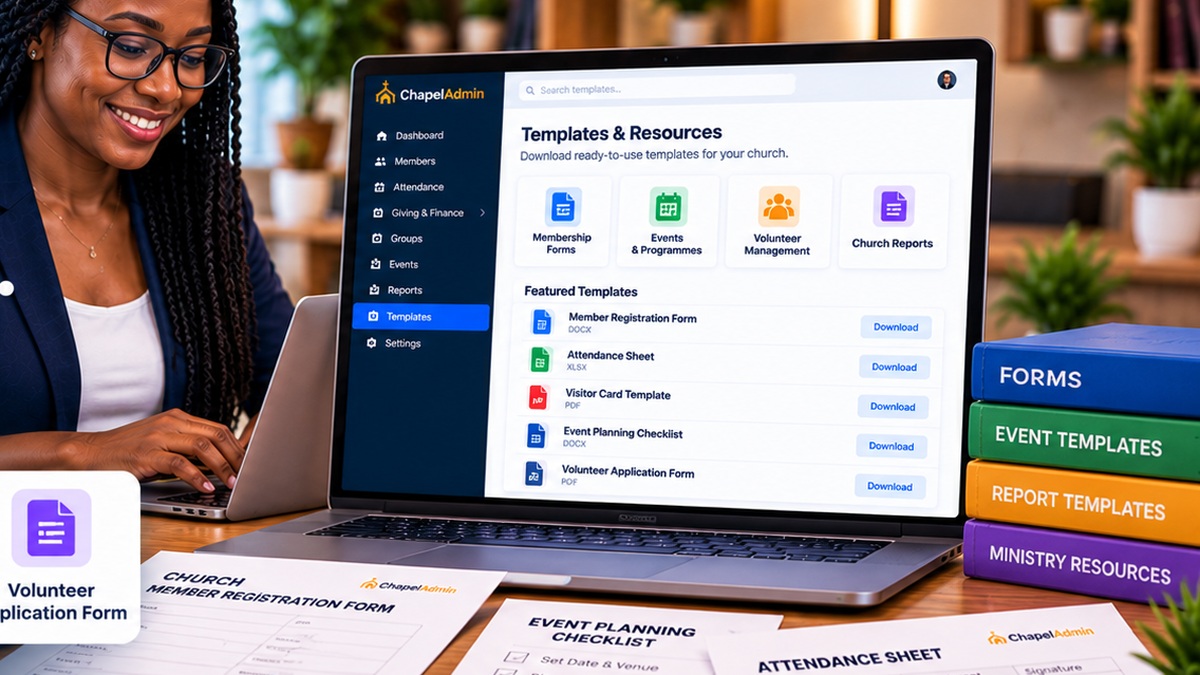 BEST PRACTICE
Build transparent, accountable and thoughtful financial stewardship practices.
Explore giving tools →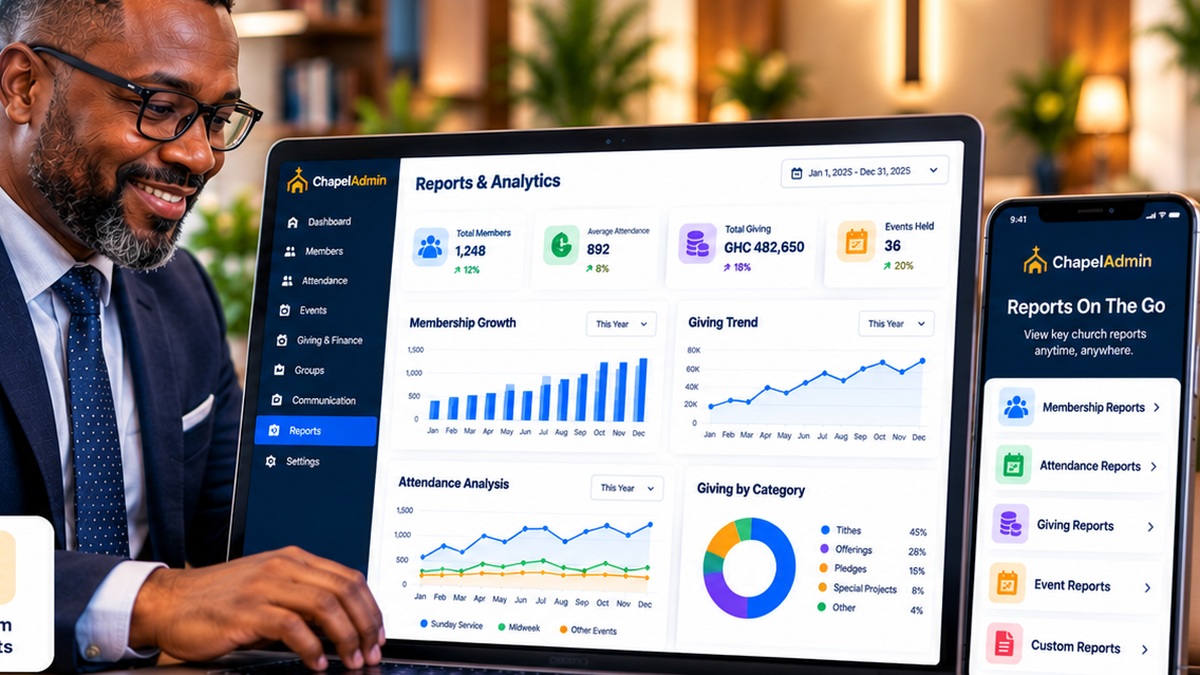 REPORTING
Use clear reports to understand attendance, giving and membership trends.
Explore reports → HELP CENTRE
Find answers, learn the basics and get familiar with key platform features.
Get help →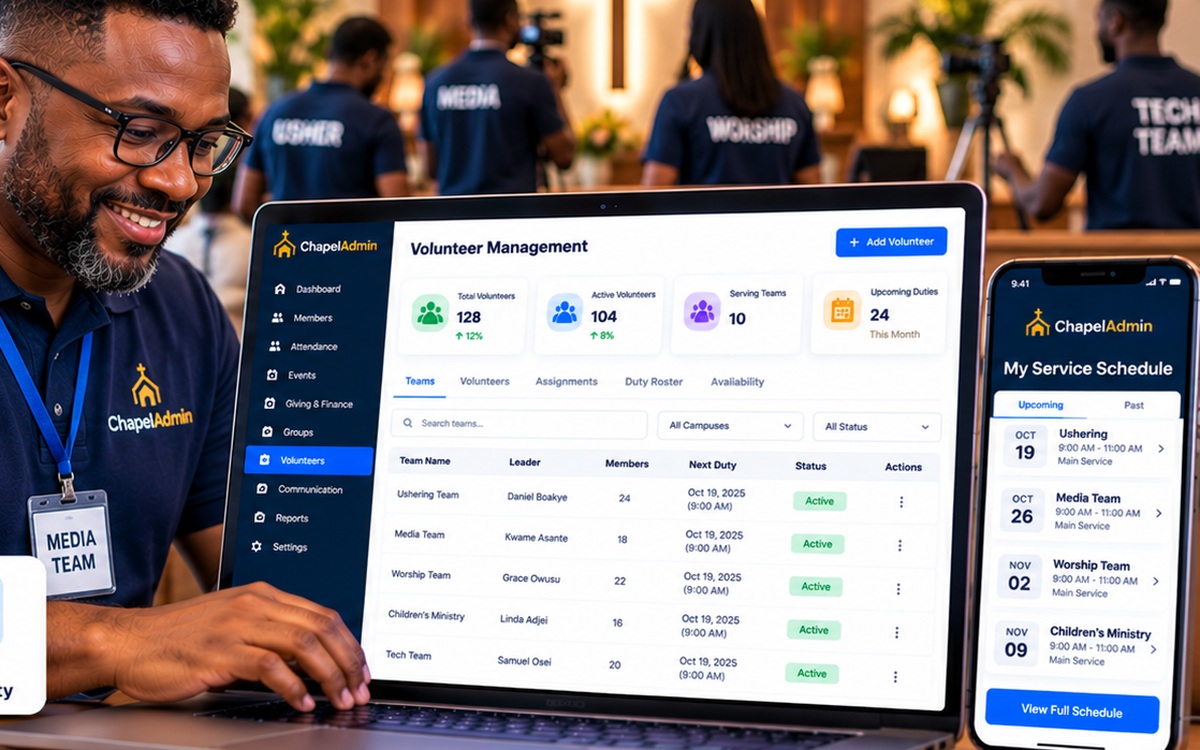 TRAINING
Help your team learn the platform and establish a smooth setup process.
Explore platform access →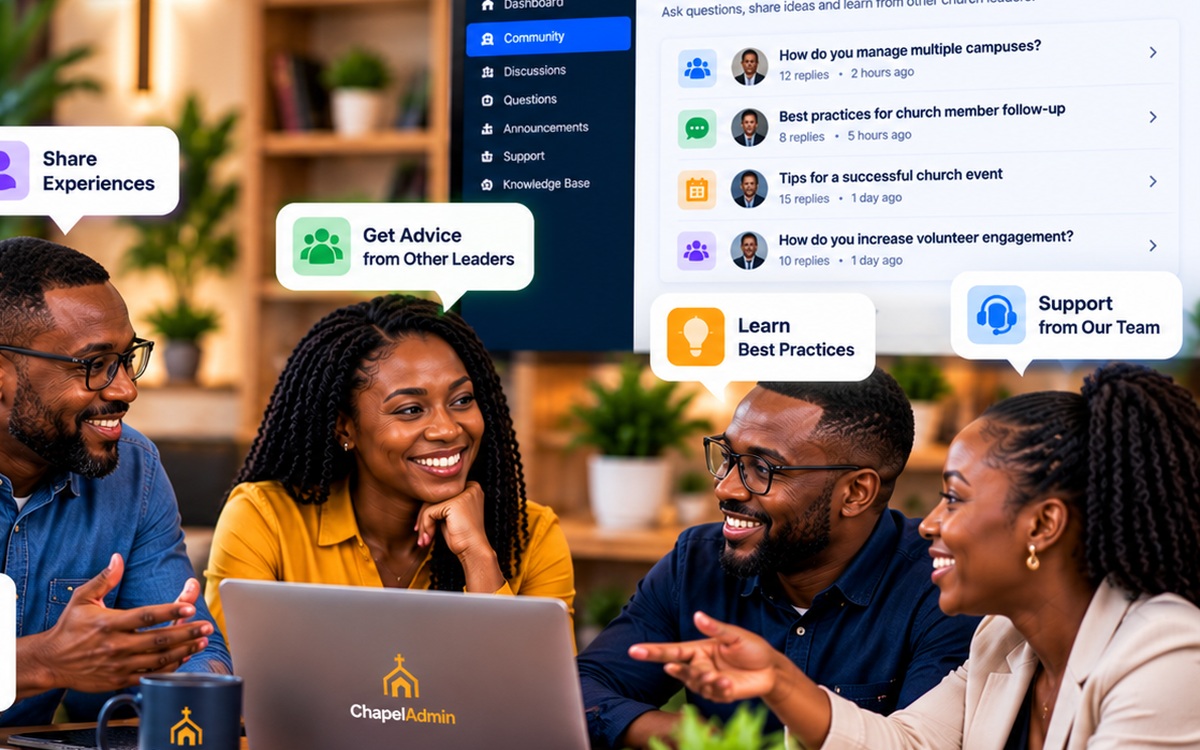 SUPPORT
Get assistance and find guidance for your church administration needs.
Contact our team →Resource articles, downloadable templates and training materials will be published as they are reviewed and made available.
Visit the Help Centre or speak to our team if you need guidance getting started.
Explore practical topics aligned with the tools church administrators use every week.
Understand income and expenditure, account ledgers, budgets, giving summaries and how to prepare reports for review.
Organise household records, visitors, follow-up activities and membership journeys.
Plan campaign targets, record pledges and contributions, and review outstanding commitments.
Keep branch activity organised and understand consolidated church reporting.
Plan ministry teams, rosters and service responsibilities.
Prepare authorised reports and take care when handling sensitive member and pastoral information.
These are guide topics for the product website. Full tutorials and searchable articles can be added as they are prepared.